
Guide to Choosing a Scanner
How to choose a scanner? What are the main specifications you should check before purchase?
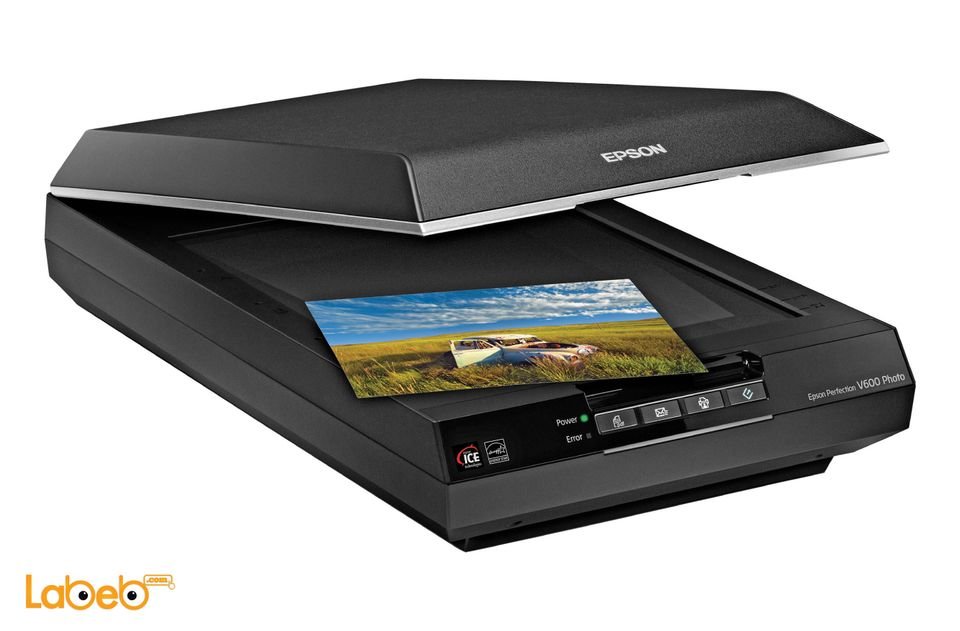


What do you think about when buying a scanner? How do you choose the correct one? Do you really need a scanner? Labeb.com will inform you about the different specifications and types of scanners before you make a purchase.
Stores have many different types of scanners, and even though new printers now have a scanning ability, but there are some who still prefer having a separate scanning device. Especially companies who scan a large quantity of documents and certificates, or some individuals who need a scanner to finish their office work and private hobbies.
If you are one of those people who prefer having a separate scanner, then this guide will help you choose between the different types.
Do You Really Need A Scanner?

Scanner is considers a computer input device, in which it scans papers, books, documents, certificates, images, magazines, etc… to convert them into a digital file projected on a screen.
With the technological advancements nowadays, scanners now perform additional tasks, like 3D scanning. Therefore, we advise you to learn about the different types of scanners before making a purchase.
Types of Scanners… Choose What You Need
Scanners can be divided according to their task to five different types. We will list these types and their task in this guide to help you make the right decision.
Flatbed Scanner:
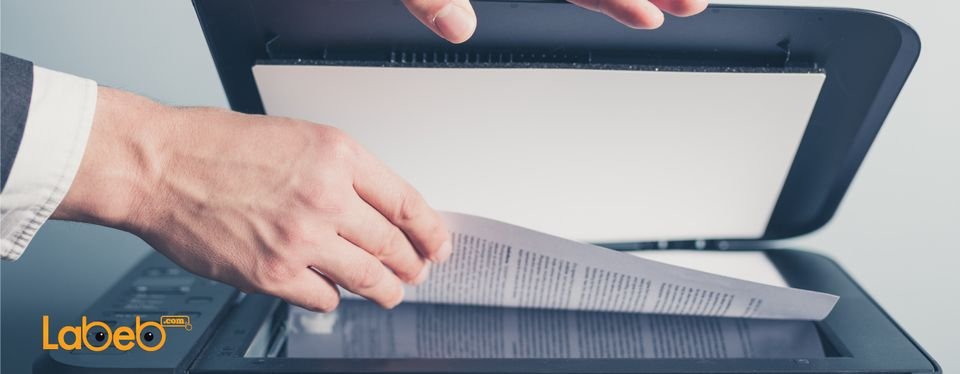
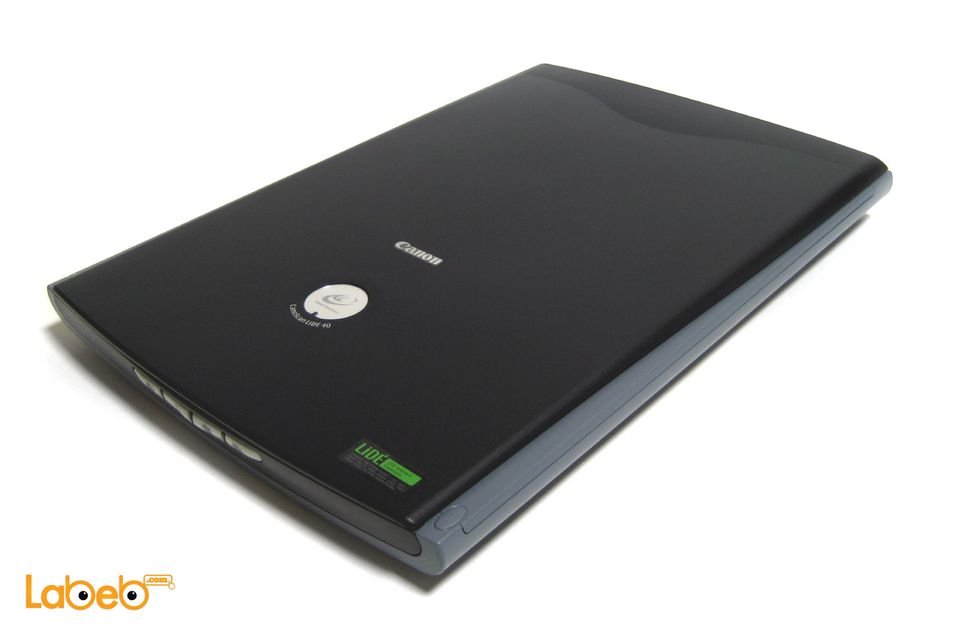
This type of scanner does a flatbed scan and is considered the most common type. Scanning is done by putting the paper or picture inside the scanner and then the scanning is done and sent to the computer.
This type can scan different elements such as sizes (thick book covers, thin paper, etc…) and small models (but they only appear in a 2D model – length and width). When it comes to its price, it is available in the market with reasonable prices.
This scanner’s mechanism is similar to a camera. It is made from a glass layer and a cover in which you put the paper you want to scan on the glass, close the cover, and start scanning. It also does a good quality scan.
Labeb’s advice: If you have a large quantity to scan, this type is not suitable for you since you have to manually change the paper on the glass every time you want to scan.

Photo Scanner:
Photo scanners mechanism is similar to a flatbed scanner, but it projects a high quality image on the computer screen as it does a detailed high quality scan of images and pictures.
You can scan images on a flatbed scanner, but for people who want a high quality image, this scanner offers that. Usually, it comes with private photo editing programs for scanned pictures; however, it is more expensive than flatbed scanners.
Labeb’s advice: if you work in photography, graphic design, internal design, and architecture then this scanner is the right one for you.

Handheld Scanner:
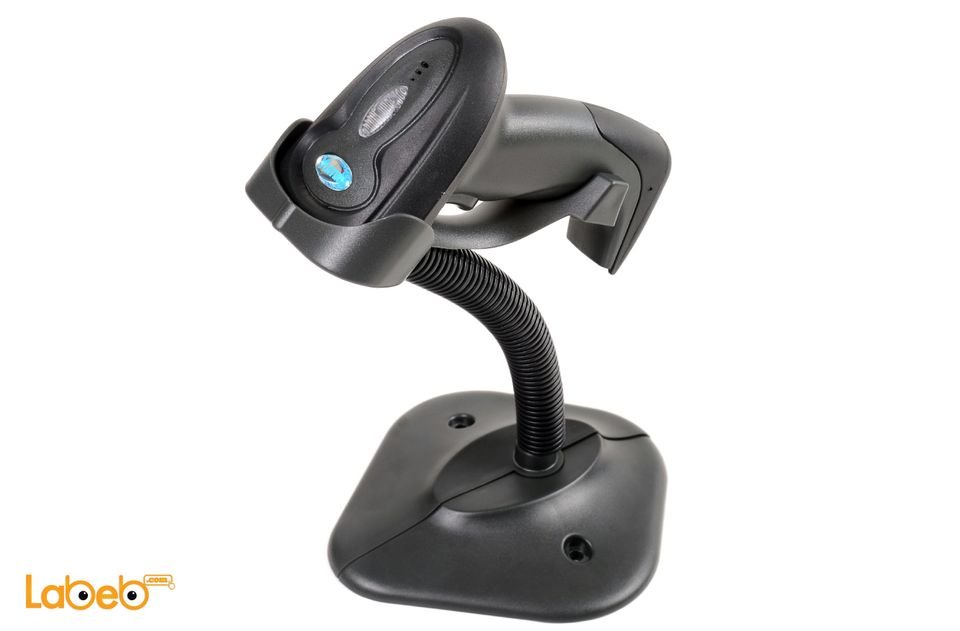
This type is small in size and can be carried by hand, and even though people think it is a practical scanner, but it is not considered one of the scanners projecting a high quality image because of hand vibrations when scanning. A barcode scanner is a good example to this type.
Labeb’s advice: If you need a quick and an instant scan like people working at storage units, or continuously travelling, then this is a good choice. If you need it for your home or at work, we advise you to get another scanner with better quality.

Sheetfed Scanner:
This type is distinct because it has a smaller size than flatbed scanners, and scanning is done by inserting the paper in one end and removing it from the other and it works best with laptops.
Its mechanism is similar to a fax as it pulls the papers, scans them, and then gets them out. It is also suitable for scanning a small quantity of paper in an automatic and fast way.
Its disadvantage is that the converted image has a lower quality than of a flatbed scanner, and it can only take one paper at a time; therefore, you cannot put a book or thick paper inside it like a flatbed scanner and it is more expensive.
Labeb’s advice: If you need to scan a small quantity of paper, this type will save you time.

Drum Scanner:
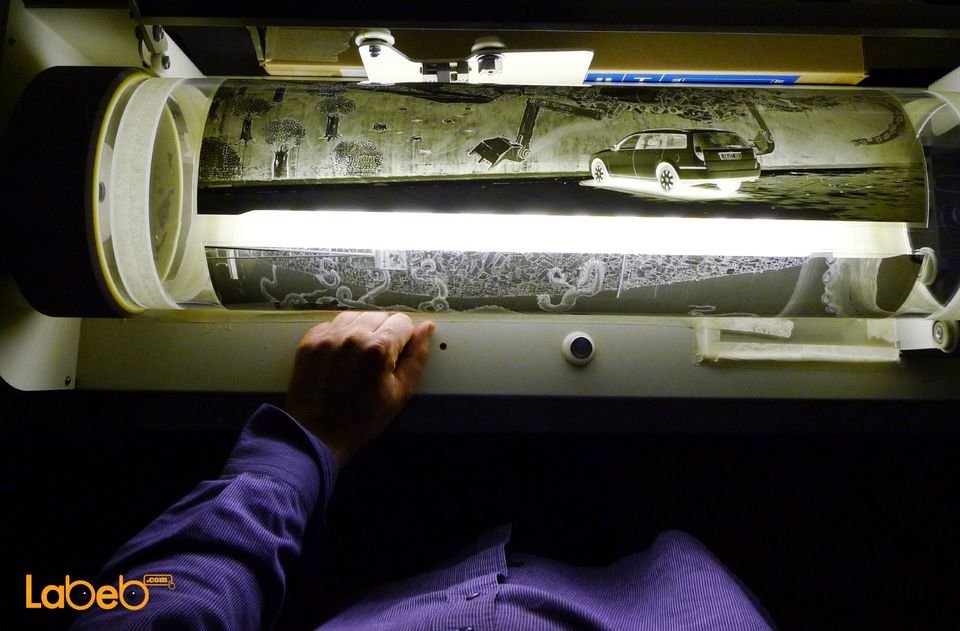
This is the scanner with the highest precision and quality, and its mechanism is different than other types of scanners. You put the image or paper you want to scan on a circular glass and then the light inside the drum glows to do the scan.
This type is used in Publishing houses, universities, colleges, and large corporations mainly. It is considered a scanner with high quality but is the most expensive type.
Labeb’s advice: If you need a scanner for a corporation or company, then this type is the best for you.

Summary
What differentiate scanners from each other is their mechanism, speed, and time. They also vary in image quality and clarity because of the way the image is converted to the computer; as some work by connecting a USB and some wirelessly.
Choosing a scanner depends mainly on your type of work and then on whether or not you want it to be connected through a USB or wirelessly. Therefore, you have to determine what you need from the scanner to make a smart decision.
- [[PropertyDescription]] [[PropertyValue]]


